
Recommended
Install in ChatGPT
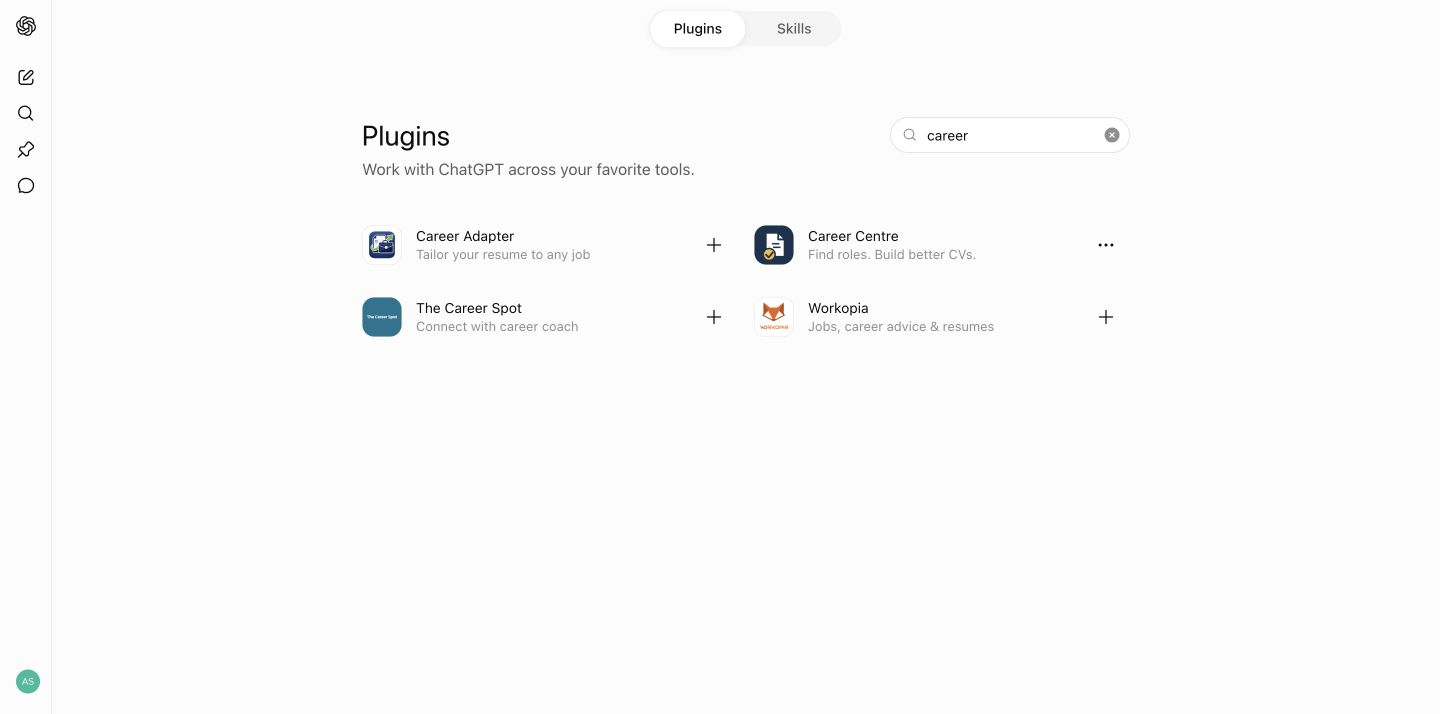
- 1Open Plugins in ChatGPT and search for Career Centre.
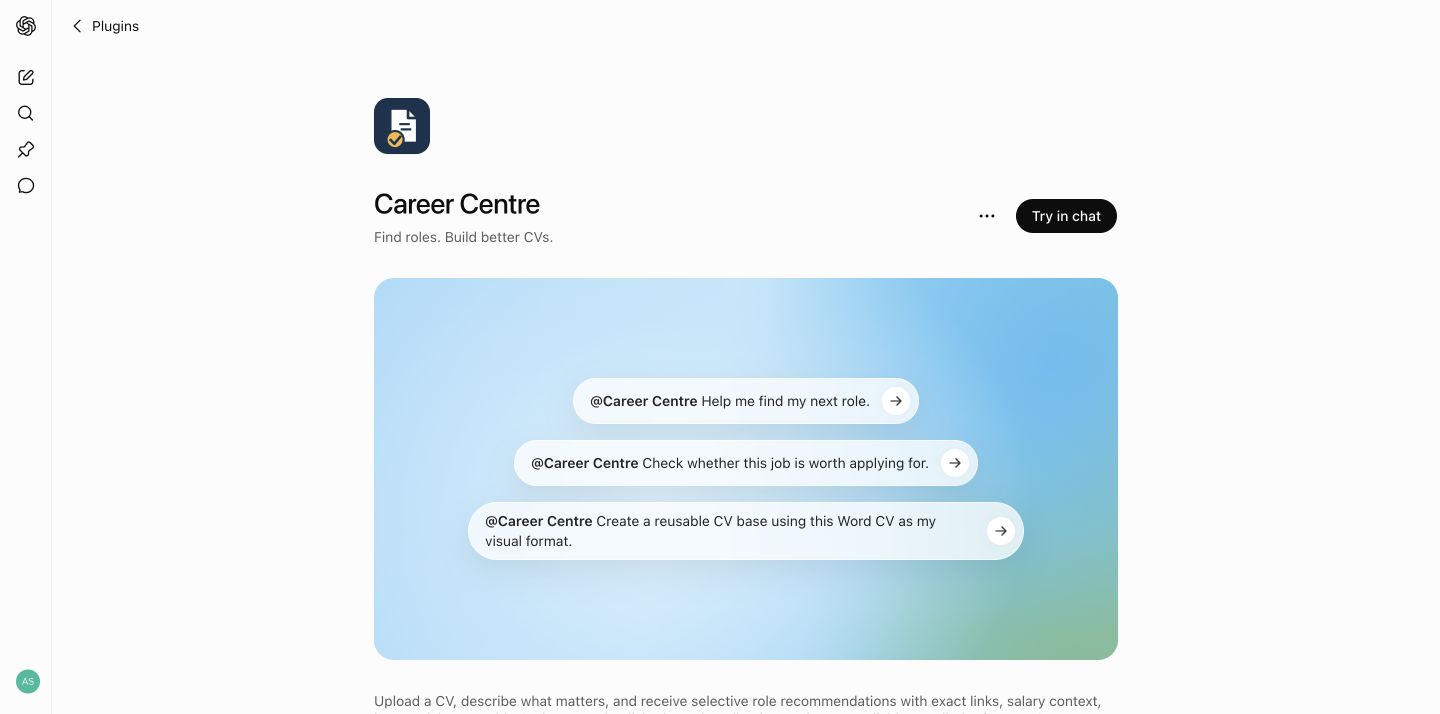
- 2Open the result by Amit Sharma and select Install. If it is already installed, you will see Try in chat.
- 3Start a Work task and say Help me find my next role. Work is recommended because Career Centre can turn the successful search into a Scheduled task there. A normal chat is still fine for one-off use. If Career Centre does not start automatically, mention @Career Centre once.
- 4Share one CV, or the key CVs you use for different directions. Career Centre reviews them before asking for anything missing.
Claude personal plugin
Install in Claude
- 1Open the Career Centre Claude plugin on Google Drive and choose Download.
- 2Save the downloaded ZIP. Do not unzip it.
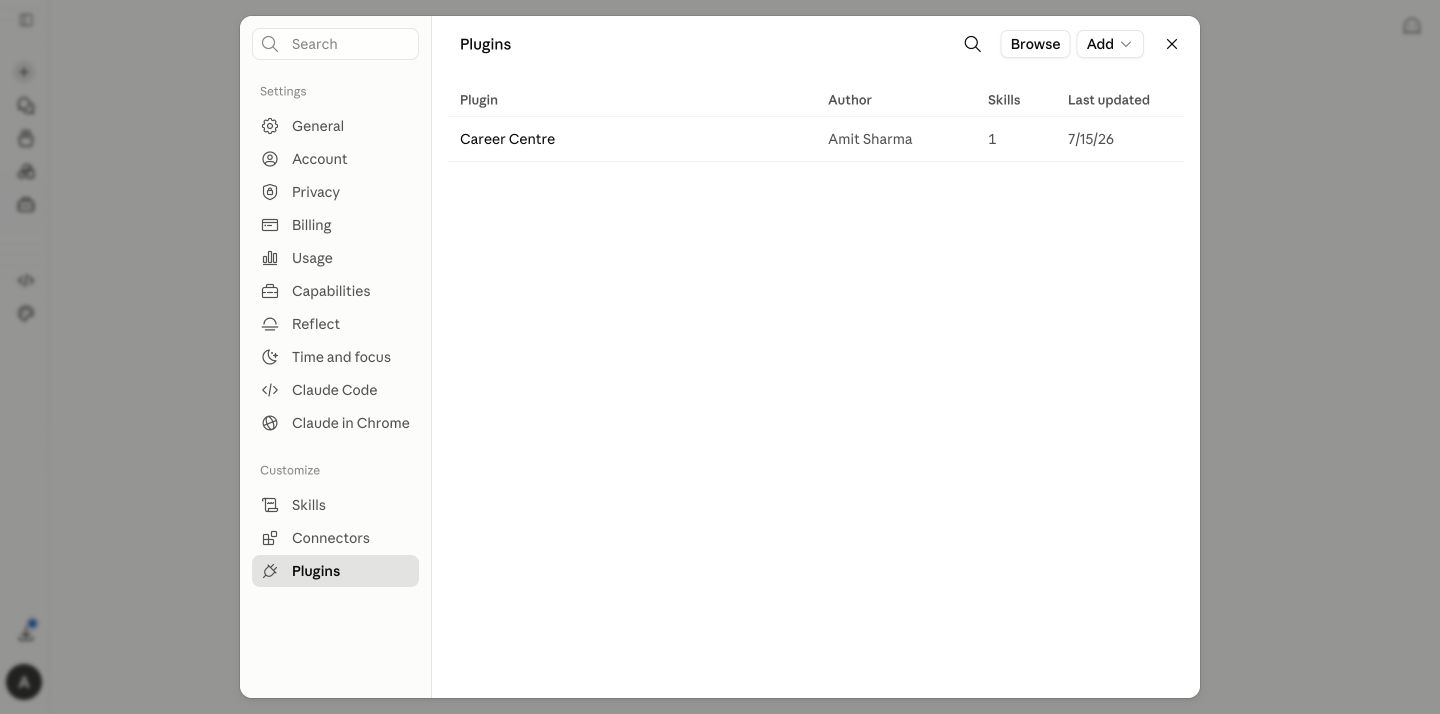
- 3In Claude, open Settings → Customize → Plugins.
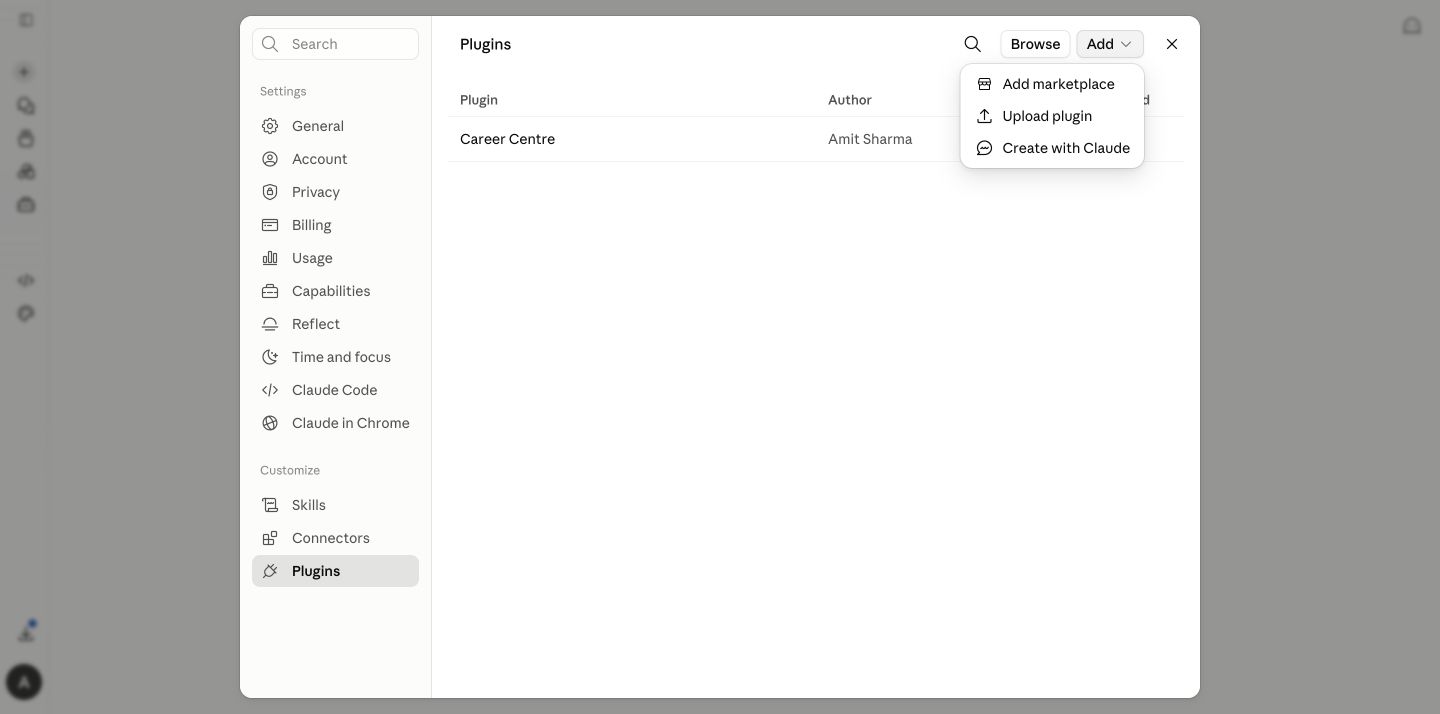
- 4Select Add plugin → Upload plugin, choose the ZIP and enable Career Centre.
- 5Start a normal chat and say Help me find my next role. Claude should invoke Career Centre naturally; if it does not, type /career-centre once.
- 6For automatic daily or weekday runs, use Cowork. After the first search, Career Centre gives you the exact /schedule handoff.
What happens next
Your first conversation stays simple.
ChatGPT: reply with something like Weekdays at 8:00 AM Perth time and Career Centre can create the Scheduled task from Work. Claude: use the copy-ready /schedule prompt in Cowork. Nothing is scheduled until you accept.
Advanced downloads, continuity and troubleshooting
Keep your history
Use one main Career Centre conversation for the active search and save the latest Career Passport. When you move to a new conversation, upload that Passport with any new CV or evidence so your confirmed preferences and source-mapped history can continue.
If ChatGPT install is unavailable
Plugins is ChatGPT's current directory where the feature is available, but access can depend on plan, region and organisation controls. Check ChatGPT on the web first. Do not create a Project as a workaround.
Controlled ChatGPT skill ZIP
Use this only if your ChatGPT account explicitly offers personal skill upload.
Provider directory status
The ChatGPT directory listing is available. The Claude public directory submission is under review; until approval, the current personal plugin ZIP is available through the Google Drive download above.
Optional job-source connectors
Career Centre does not require a job-board plugin. It starts with exact employer and authorised-recruiter postings, uses suitable local job boards for discovery, and verifies the current employer or recruiter posting before recommending Apply.
After the first calibrated run, ChatGPT users can optionally install the official Indeed plugin and try @Indeed find me roles matching [target titles] in [location]. Bring promising links back to Career Centre for exact-posting, salary, employment-type and fit verification. This is optional and does not replace the employer posting as the source of truth.
Document safety
Never upload another person's CV or reference document unless you have permission to use it. Reference CVs are treated as visual models only.